
VidVid creation guide
Wan 3.0 Video Generator
Generate coherent cinematic shots up to 30 seconds with text or reference images and resolution up to 1080p.
By VidVid · Updated
Key strengths
- Long coherent shots
- 480p through 1080p
- Five common aspect ratios
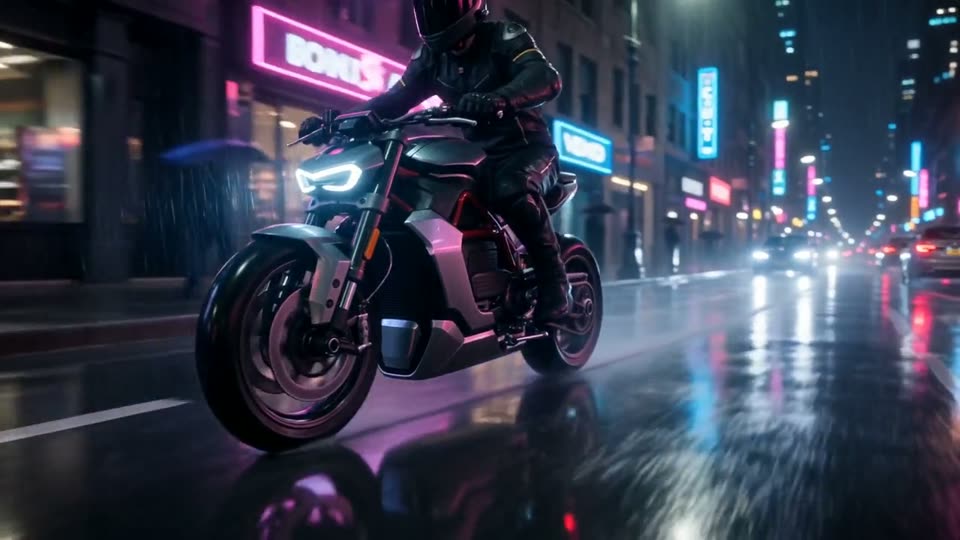
Image illustrates a VidVid workflow and is not presented as a controlled model benchmark.
Step-by-step workflow
- Choose a model and workflow for the asset goal.
- Generate a test with a focused prompt and the shortest supported duration.
- Review the subject, camera and any required text or audio; revise one issue at a time.
- After approving the direction, choose final duration and resolution from the supported options.
Pre-generation checklist
Goal
Is this clip for clicks, product clarity, visual exploration or a social hook?
Inputs
Do you need to preserve a face, product photo, logo, packaging text or first frame?
Camera
Specify push-in, orbit, handheld, locked-off or transition behavior, not just mood words.
Output
Choose 9:16, 16:9 or 1:1 before setting duration and resolution.
Prompts you can use
A single continuous product reveal: black silk falls away from a chrome watch, slow orbit, crisp studio highlights, restrained luxury mood.
Animate the reference image with a slow dolly-in, subtle fabric movement and natural blinking. Preserve identity and composition.
A wide desert establishing shot transitions into a close tracking shot of an electric motorcycle, realistic dust and suspension motion.
FAQ
Is Wan 3.0 Video Generator beginner-friendly?
Yes. Start with the shortest duration supported by the model to validate subject, camera and lighting before increasing duration or resolution.
How long should the prompt be?
Write the subject, motion, camera, lighting, format and sound requirements clearly. Avoid packing too many scene changes into one prompt.
When should I use image-to-video?
Use image-to-video when you already have a product photo, portrait, poster or first frame. Focus the prompt on motion and camera while preserving the subject.
How do I reduce iteration cost?
Use short, lower-resolution tests for A/B comparison, then render the final version after the model, composition and rhythm are stable.