
VidVid creation guide
Image to Video Guide
Animate a product photo, portrait or campaign still without losing identity, composition or important text.
By VidVid · Updated
Key strengths
- Reference-first motion design
- Identity and product preservation
- Controlled camera and parallax
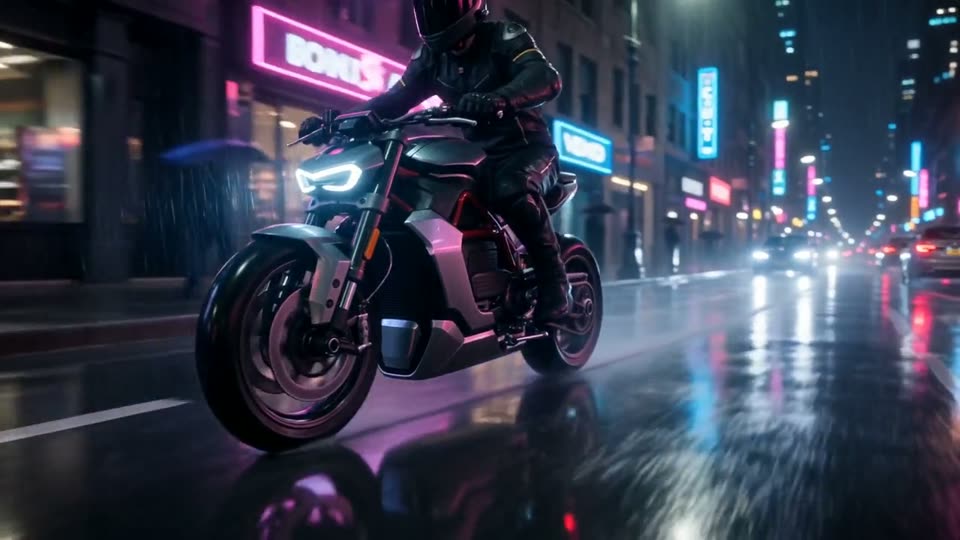
Image illustrates a VidVid workflow and is not presented as a controlled model benchmark.
Production use cases
Step-by-step workflow
- Prepare and crop the source for the target aspect ratio.
- Write preservation constraints before movement.
- Generate a short subtle-motion test.
- Increase motion only after identity remains stable.
Audit the source
Use a sharp image with clean edges and enough room for movement. Compression artifacts and cropped limbs often become motion errors.
Separate fixed and moving
State what must not change before describing motion. Use one primary subject movement and one camera movement.
Design the final frame
Specify whether the clip should loop, settle on a product close-up or leave clean space for editing.
Pre-generation checklist
Source
Use a sharp, uncropped image with clean edges.
Preserve
List identity, logo, label and composition constraints.
Motion
Choose one subject motion and one camera move.
End frame
Define a loop, hold or edit-friendly finish.
Prompts you can use
Preserve the bottle, label and framing exactly. Add slow condensation droplets and a subtle 30-degree camera orbit; locked studio lighting; no new objects.
Animate this portrait with one natural blink, slight breathing and a gentle dolly-in. Keep facial identity, hairstyle, wardrobe and background composition unchanged.
Turn this poster into a six-second reveal: foreground typography stays fixed and readable while only the background fabric moves with subtle depth.
FAQ
Is Image to Video Guide beginner-friendly?
Yes. Start with the shortest duration supported by the model to validate subject, camera and lighting before increasing duration or resolution.
How long should the prompt be?
Write the subject, motion, camera, lighting, format and sound requirements clearly. Avoid packing too many scene changes into one prompt.
When should I use image-to-video?
Use image-to-video when you already have a product photo, portrait, poster or first frame. Focus the prompt on motion and camera while preserving the subject.
How do I reduce iteration cost?
Use short, lower-resolution tests for A/B comparison, then render the final version after the model, composition and rhythm are stable.