
VidVid creation guide
AI Video Generator Guide
Plan a complete text-to-video production: choose a model, translate an idea into shots, test variations and deliver the right format.
By VidVid · Updated
Key strengths
- Model choice by creative goal
- Shot-by-shot prompt planning
- A/B testing before final renders
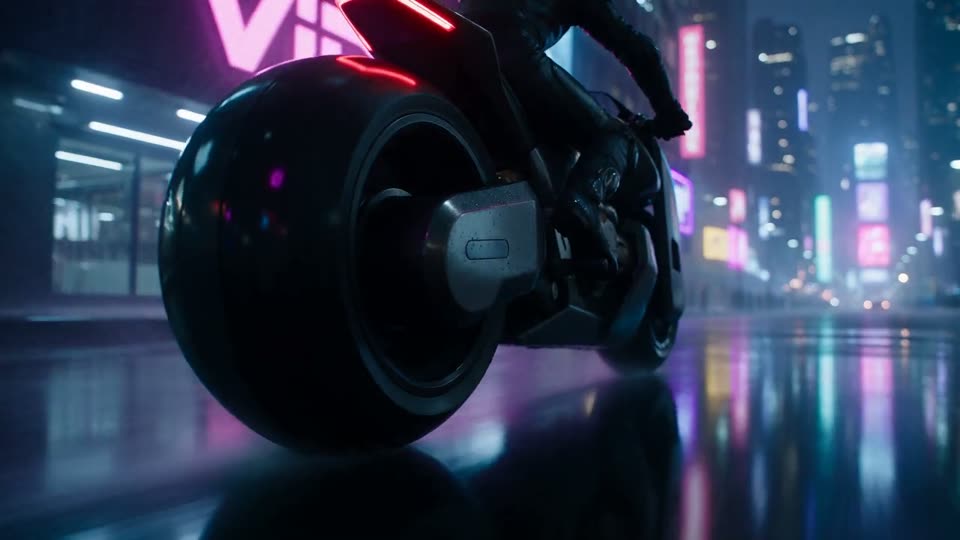
Image illustrates a VidVid workflow and is not presented as a controlled model benchmark.
Production use cases
Step-by-step workflow
- Define the audience, channel and one creative outcome.
- Choose a model from duration, audio and reference requirements.
- Write a shot-ordered prompt and render short variants.
- Select the strongest result, refine once and export.
Choose by constraint
Start with duration, reference inputs, audio and resolution. Then compare motion quality and price instead of choosing from a model name alone.
Write in shot order
Describe subject, action, camera, environment, light and sound in the order the viewer should experience them.
Test one variable
Keep the prompt fixed while changing model or camera direction. This makes the winning result explainable and repeatable.
Pre-generation checklist
Outcome
Define the single viewer action or impression.
Sequence
Choose one shot or a clear three-beat structure.
Test
Generate short variants with one changed variable.
Delivery
Lock aspect ratio, duration, resolution and audio.
Prompts you can use
A 9:16 launch hook: a silver running shoe lands on a wet track in the first second, low tracking camera, crisp splash, hard rim light, no subtitles.
A premium coffee machine reveal, one continuous 16:9 shot, macro steam detail to a slow 45-degree orbit, warm morning kitchen, natural room tone.
Three-beat brand story: empty workshop at dawn; designer sketches a lamp; finished lamp illuminates the room. Consistent character and palette, restrained camera moves.
FAQ
Is AI Video Generator Guide beginner-friendly?
Yes. Start with the shortest duration supported by the model to validate subject, camera and lighting before increasing duration or resolution.
How long should the prompt be?
Write the subject, motion, camera, lighting, format and sound requirements clearly. Avoid packing too many scene changes into one prompt.
When should I use image-to-video?
Use image-to-video when you already have a product photo, portrait, poster or first frame. Focus the prompt on motion and camera while preserving the subject.
How do I reduce iteration cost?
Use short, lower-resolution tests for A/B comparison, then render the final version after the model, composition and rhythm are stable.